Start Your Journey with ForneyVault & ForneyVault Applications
On this page, you will find links that will help you get up to speed with your ForneyVault software suite of tools.

| Get to Know Your ForneyVault Products |
|---|
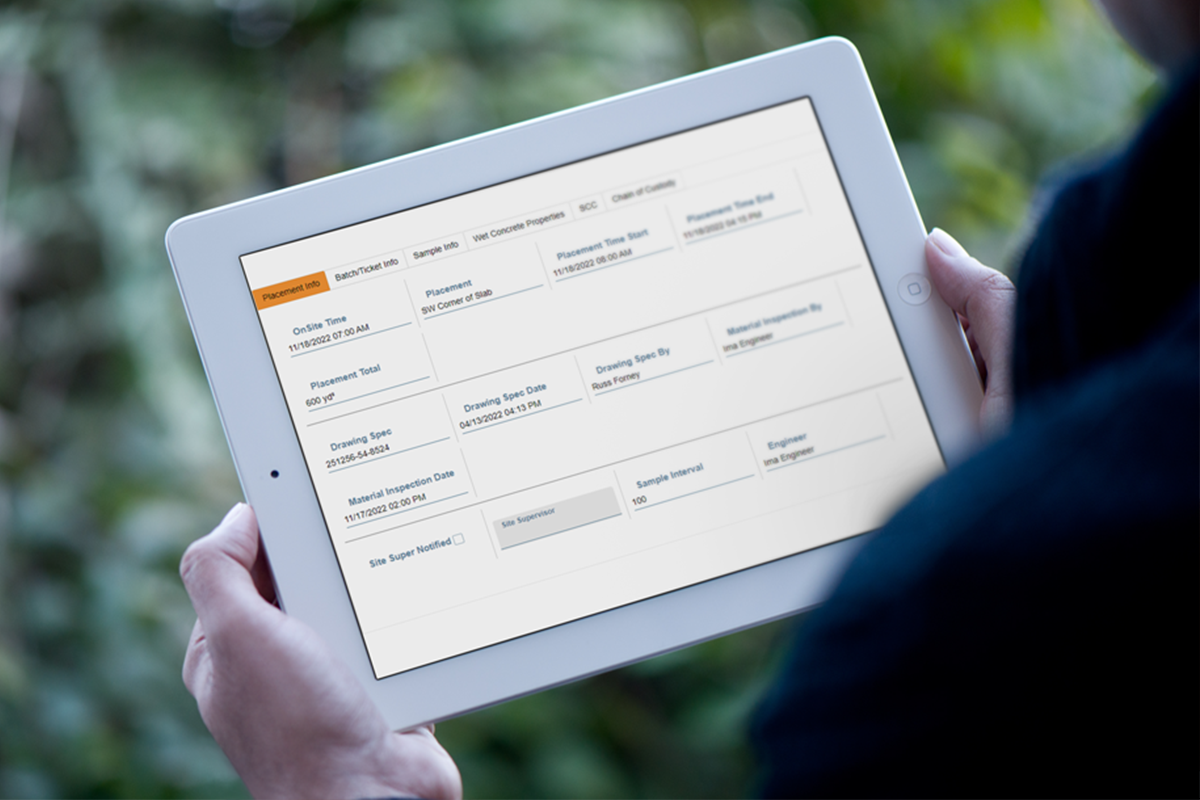
| Explore ForneyTools: User interface |
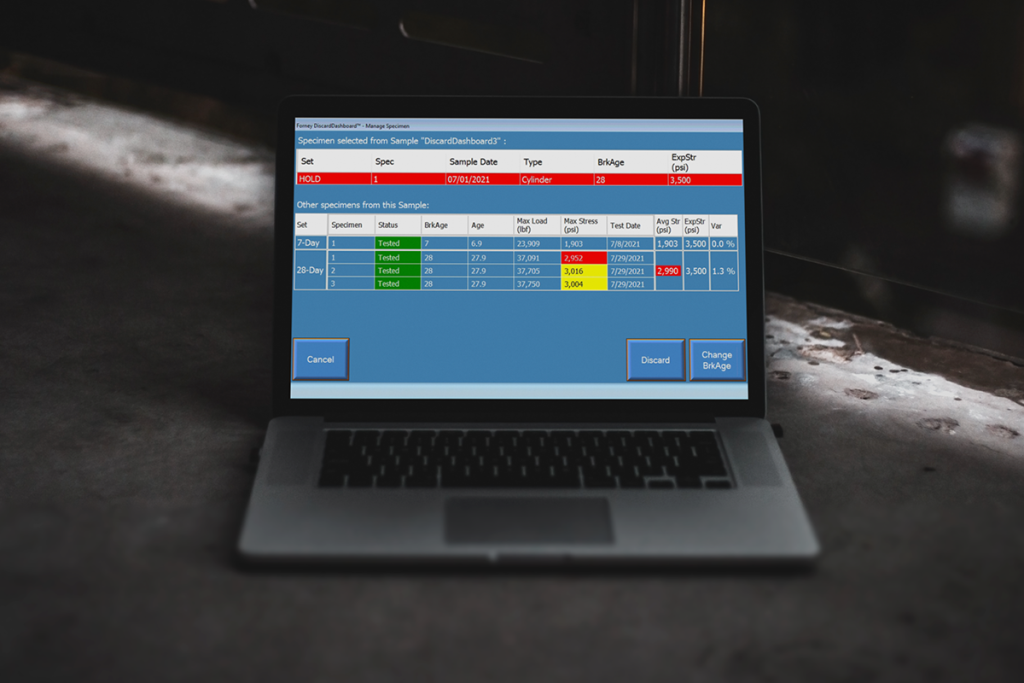
| Explore ForneyLink: Interface for the machine |
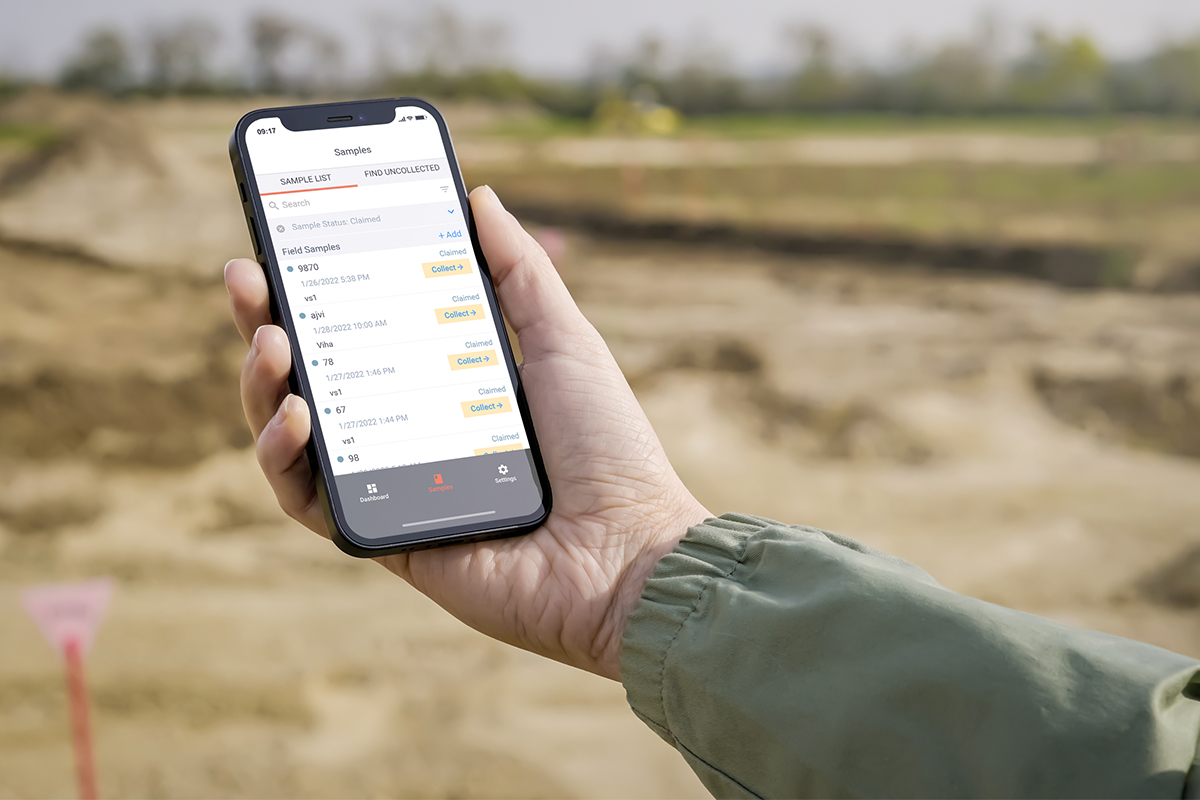
| Explore ForneyField: Mobile field application |
| Explore the ForneyVault Data Structure |
| Getting Started as a New User |
|---|
| Step 1: Log in to ForneyTools |
| Step 2: Set Your Time Zone and Default Lab |
| Step 3: Create a Sample |
| Step 4: Create Specimens |
| Step 5: Create a Specimen Label |
| Step 6: Select Samples in ForneyLink |
| Step 7: Create a Report |
| Step 8: Copy Existing Samples in ForneyField |
| Step 9: Manage ForneyLink Test Machine Users |
OTHER FORNEYLINK FEATURES